
Description
Hubitat Elevation Model C-8 – Best Local-Control Smart Home Hub for Z-Wave, Zigbee & Advanced Automatio – Smart Home Maven
Description
Searching for the best local-control smart home hub? Meet the Hubitat Elevation C-8, the ultimate local smart home hub for those who demand speed, privacy, and reliability. Unlike cloud-based hubs, Hubitat processes automation locally, meaning your devices respond instantly — even without internet access.
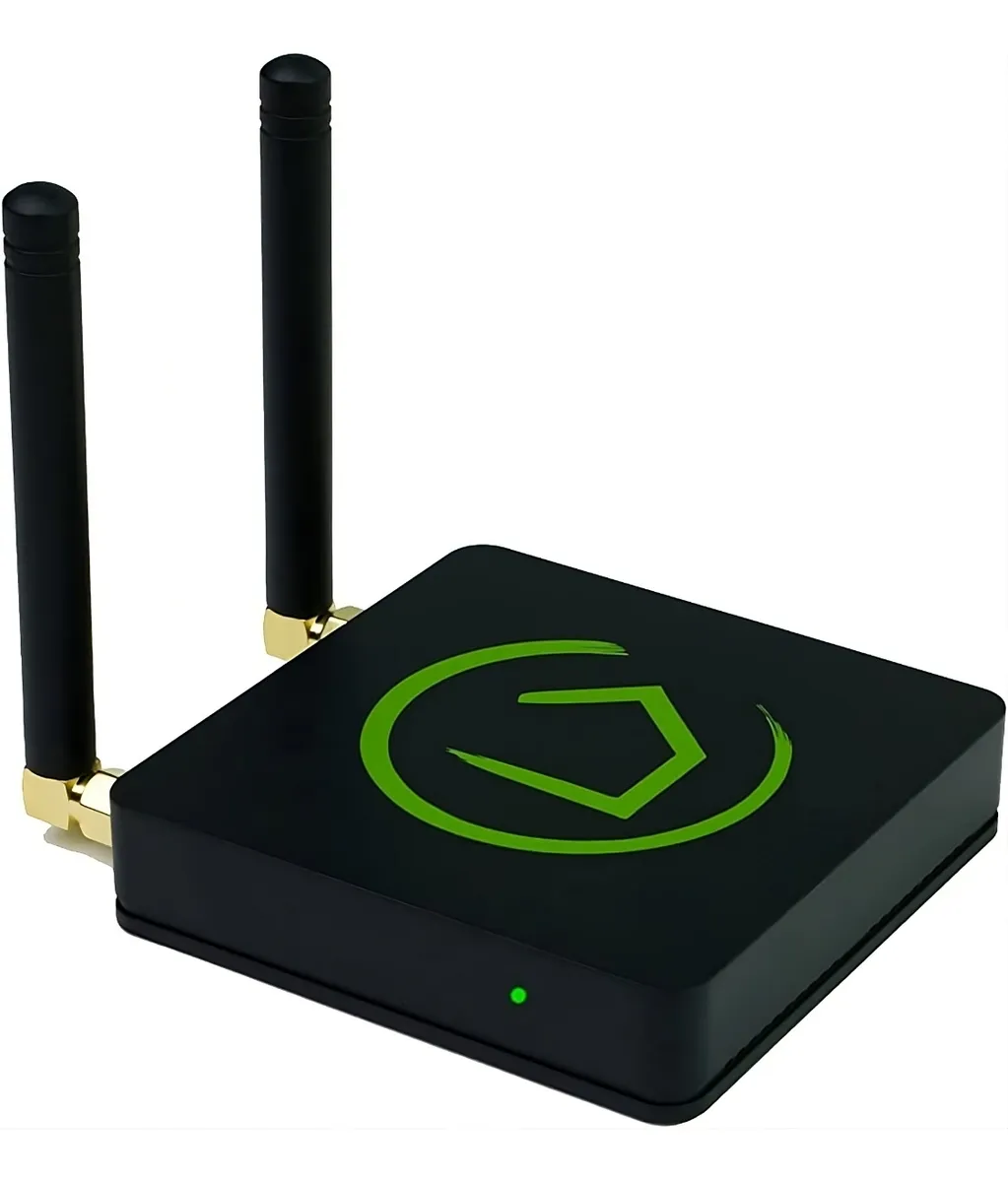
Built with support for Z-Wave Plus, Zigbee 3.0, and LAN-based integrations, the C-8 model features enhanced internal antennas, Wi-Fi capability, and remote cloud access — without compromising security.
With a robust rules engine, advanced dashboards, and developer-friendly customization options, Hubitat is ideal for users who want deep control over their automation, from lighting and climate to security and energy usage.
Key Features of the Best Local-Control Smart Home Hub
The Hubitat Elevation C-8 combines advanced functionality with reliable local automation, and as a result, it delivers speed, privacy, and flexibility for smart home enthusiasts.
-
100% Local Processing – First, enjoy ultra-fast and private automation since there is no dependency on cloud servers.
-
Multi-Protocol Support – Next, connect with Z-Wave Plus, Zigbee 3.0, and LAN-based devices, ensuring wide compatibility.
-
Wi-Fi + Ethernet Connectivity – Moreover, choose flexible setup options with improved wireless range in the C-8 model.
-
Powerful Rule Machine – In addition, create complex automations with conditions, logic, and triggers, giving you total customization.
-
Remote Access via Hubitat App – Furthermore, securely access dashboards and manage devices from anywhere.
-
Advanced Developer Tools – Support for custom apps, drivers, and scripting makes it a favorite among power users.
-
Migration Tools – Finally, upgrade easily from older Hubitat models with built-in migration features.
Specifications of the Best Local-Control Smart Home Hub
The Hubitat Elevation C-8 delivers powerful performance and flexible connectivity, and as a result, it stands out as one of the most reliable hubs for local automation.
-
Brand: Hubitat
-
Model: Elevation C-8
-
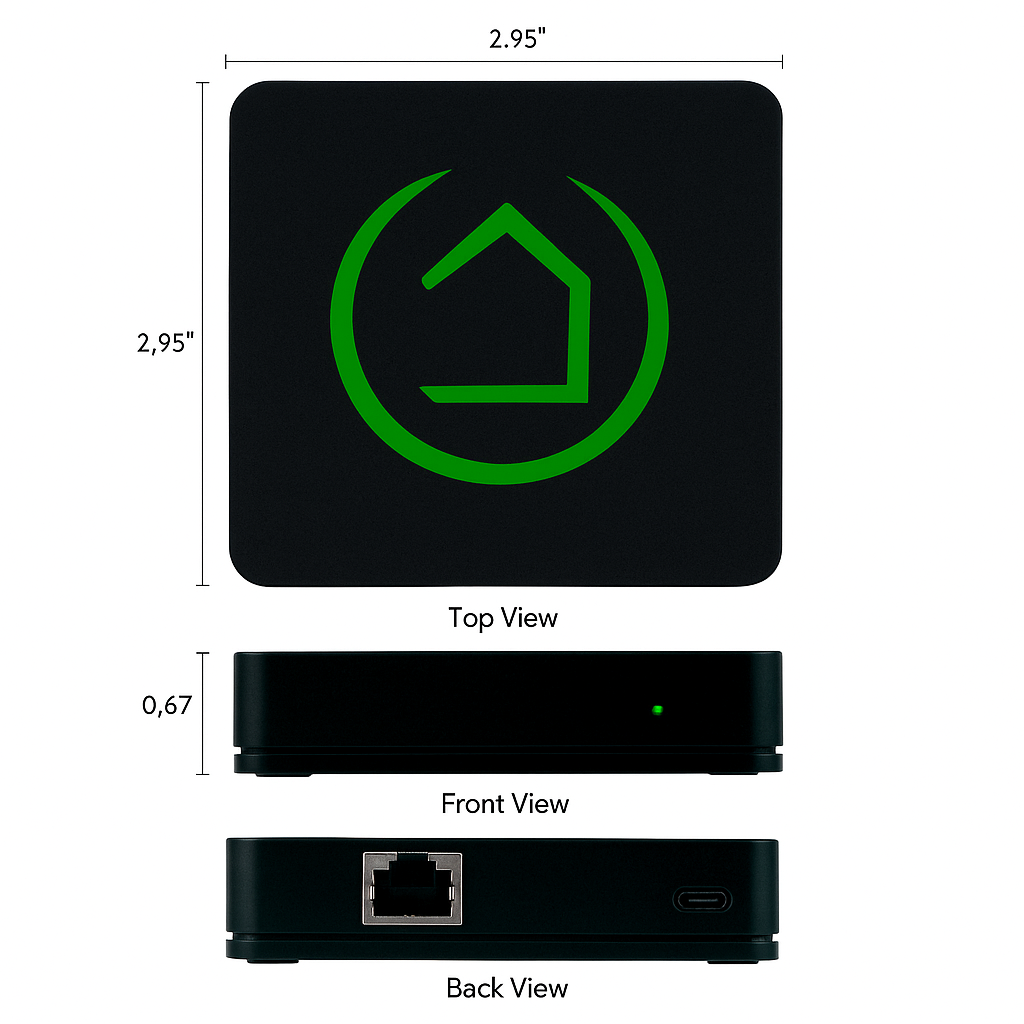
Connectivity: Supports Wi-Fi (2.4GHz), Ethernet, Zigbee 3.0, and Z-Wave Plus (800 Series), ensuring wide device compatibility.
-
Protocols Supported: Works with Zigbee 3.0, Z-Wave Plus, and LAN integrations, giving you multiple automation options.
-
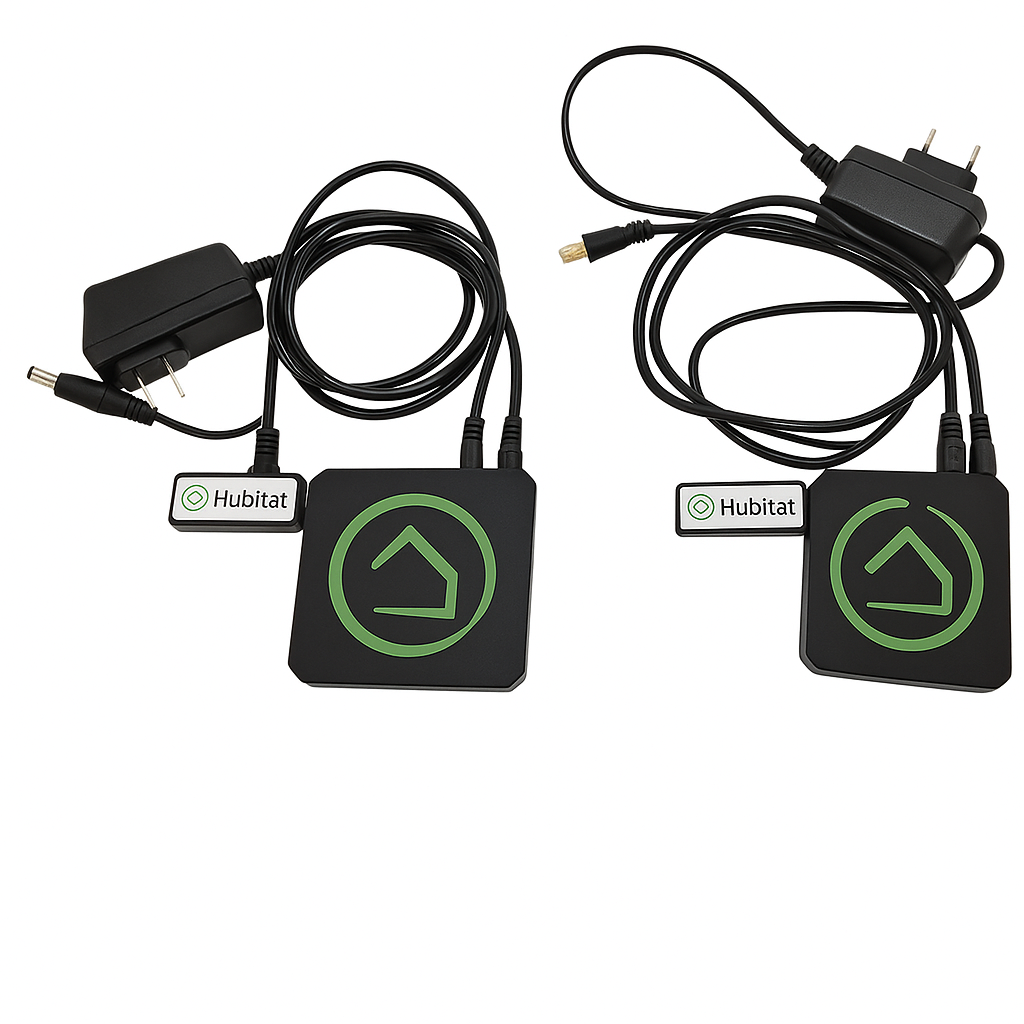
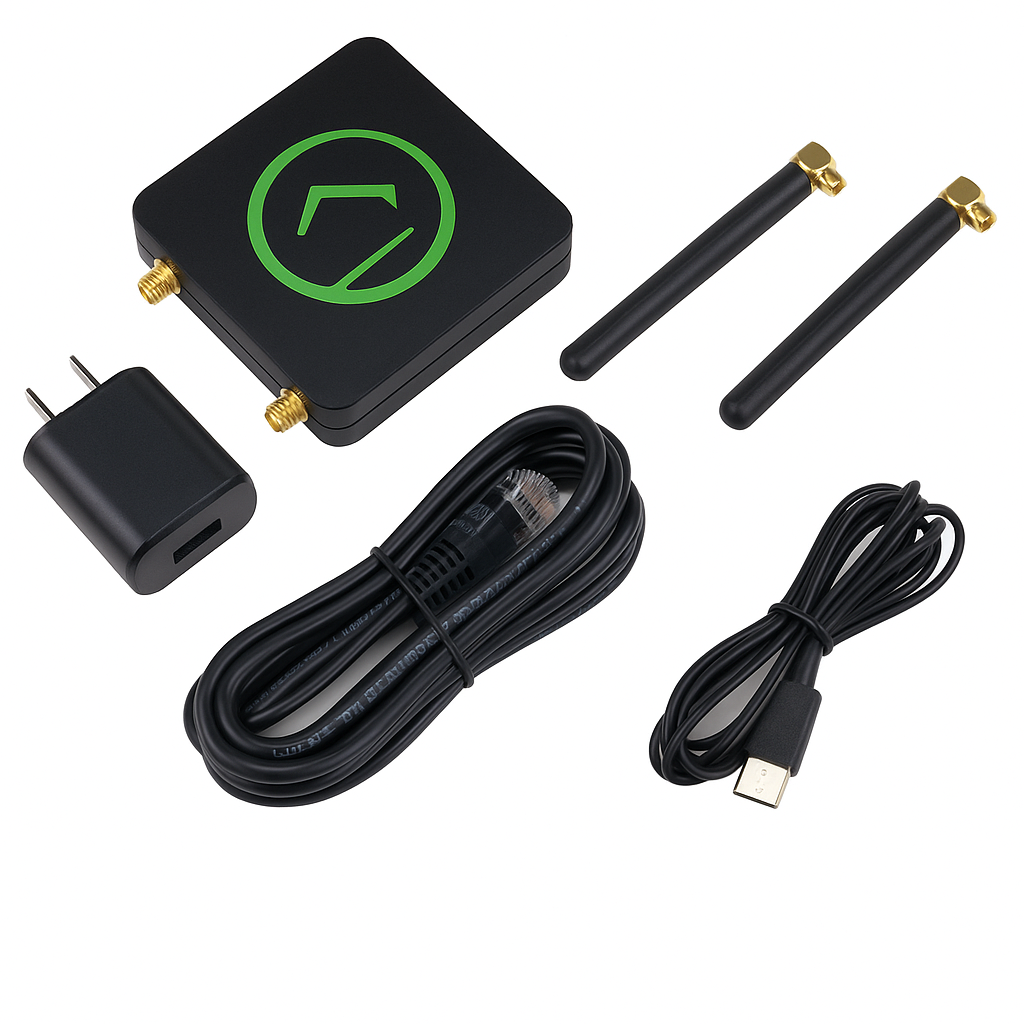
Power Supply: Runs on USB power with an included adapter, making setup simple and efficient.
-
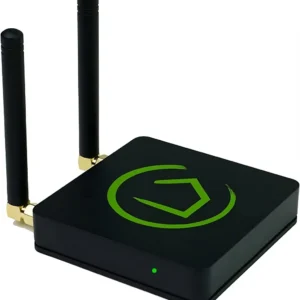
Range: Enhanced coverage with external antennas (C-8 only), ensuring stronger signal performance.
-
App: Managed through the Hubitat Mobile App on both iOS and Android, making device control convenient.
-
Cloud Requirement: Operates primarily on local control, but also supports optional cloud use for remote access and firmware updates.
Works With the Best Local-Control Smart Home Hub
The Hubitat Hub offers wide compatibility, and as a result, it integrates seamlessly with both mainstream and advanced platforms:
-
Amazon Alexa – First, connect for simple, hands-free voice commands.
-
Google Assistant – Next, pair effortlessly to extend smart control across your home.
-
Zigbee 3.0 & Z-Wave Plus Devices – Moreover, enjoy reliable connections with a wide range of sensors, lights, locks, and thermostats.
-
LAN Devices – In addition, integrate local devices such as LIFX, Ecobee, and Sonos through your network.
-
IFTTT, Node-RED, Homebridge, and Maker API – Furthermore, build advanced automations and link third-party services.
-
Community Integrations – Finally, unlock extended functionality with advanced drivers, including Nest via community support.
Installation for the Best Local-Control Smart Home Hub
Getting started is straightforward, and with just a few steps, you’ll have your hub ready to run advanced automations:
-
First, plug in the hub and connect it via Ethernet or Wi-Fi, ensuring a stable network connection.
-
Next, access the setup portal at portal.hubitat.com, which guides you through the onboarding process.
-
Then, add and name your devices, making them easy to recognize within your system.
-
Finally, use Rule Machine or Simple Automation Rules, allowing you to build powerful automations tailored to your needs.
Tips for Success
To maximize the performance of the Best local-control smart home hub, keep these best practices in mind:
-
Place the hub centrally in your home, so Zigbee and Z-Wave devices receive strong and consistent coverage.
-
Moreover, use dashboards to monitor devices remotely, giving you a clear view of your smart home at all times.
-
Finally, update firmware regularly, ensuring your hub stays secure and gains access to the latest features.




%20–%20Best%20Single-Unit%20Mesh%20Router%20for%20Apartments&url=https://smarthomemaven.com/product/amazon-eero-6-mesh-wi-fi-6-router-single-unit-best-single-unit-mesh-router-for-apartments/&media=https://smarthomemaven.com/wp-content/uploads/2025/08/Product-Only-Image-Square-White-Background-Clean-front-top-view-of-eero-6-unit.png)

&url=https://smarthomemaven.com/product/amazon-eero-max-7-future-proof-wi-fi-7-mesh-router-with-multi-gig-speeds-single-unit/&media=https://smarthomemaven.com/wp-content/uploads/2025/08/eero-Max-7-single-unit-placed-on-a-desk-glowing-LED-indicator-sleek-modern-background.png)
Reviews
There are no reviews yet.