
Description
Harman Kardon Citation 100 – Compact Premium Smart Speaker with Chromecast Built-in and Rich Room-Filling Sound – Smart Home Maven
Description
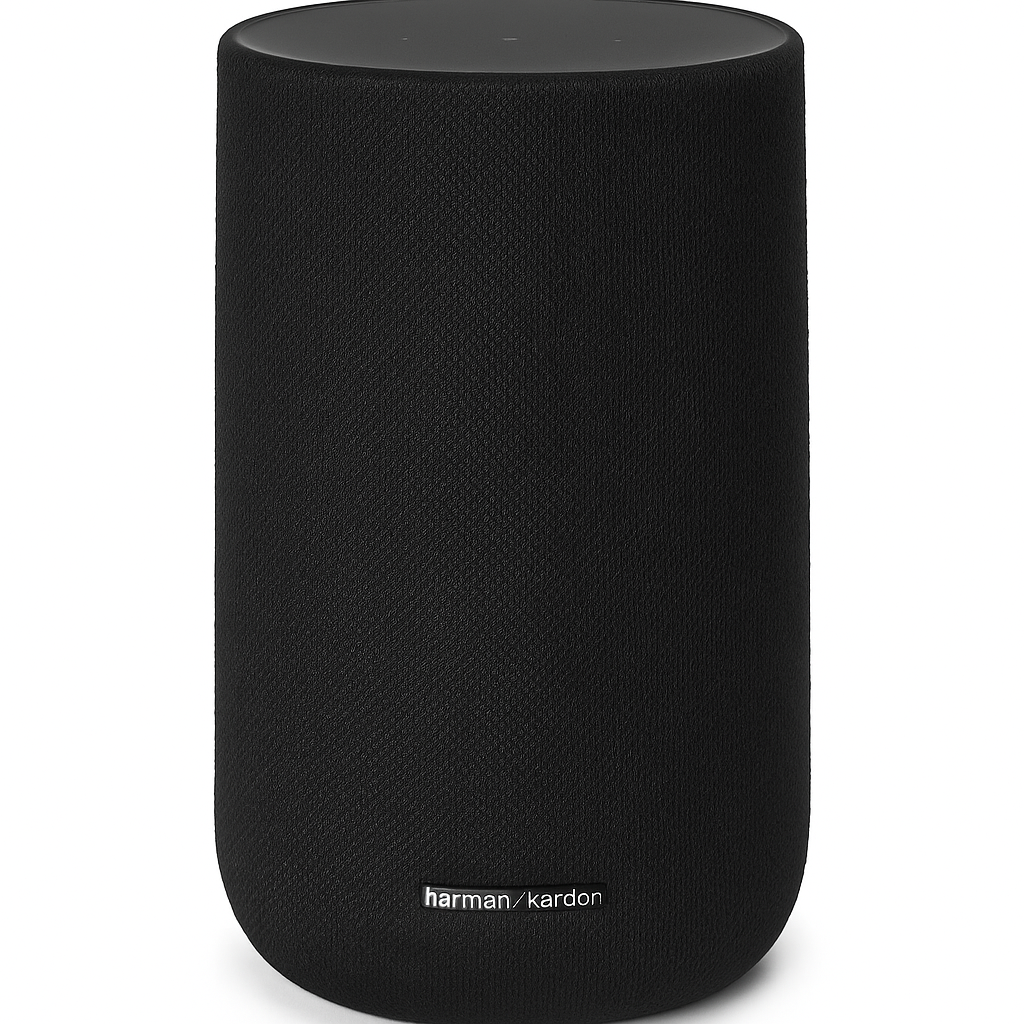
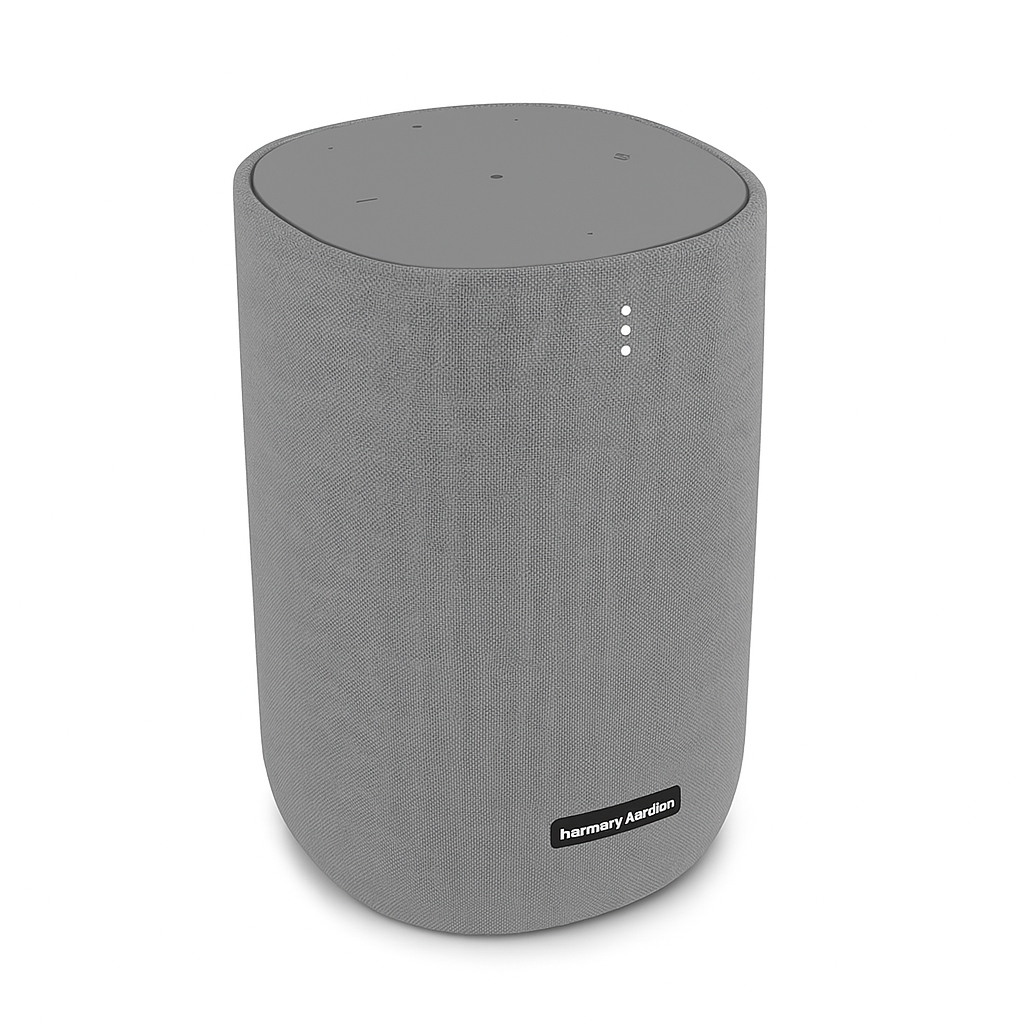
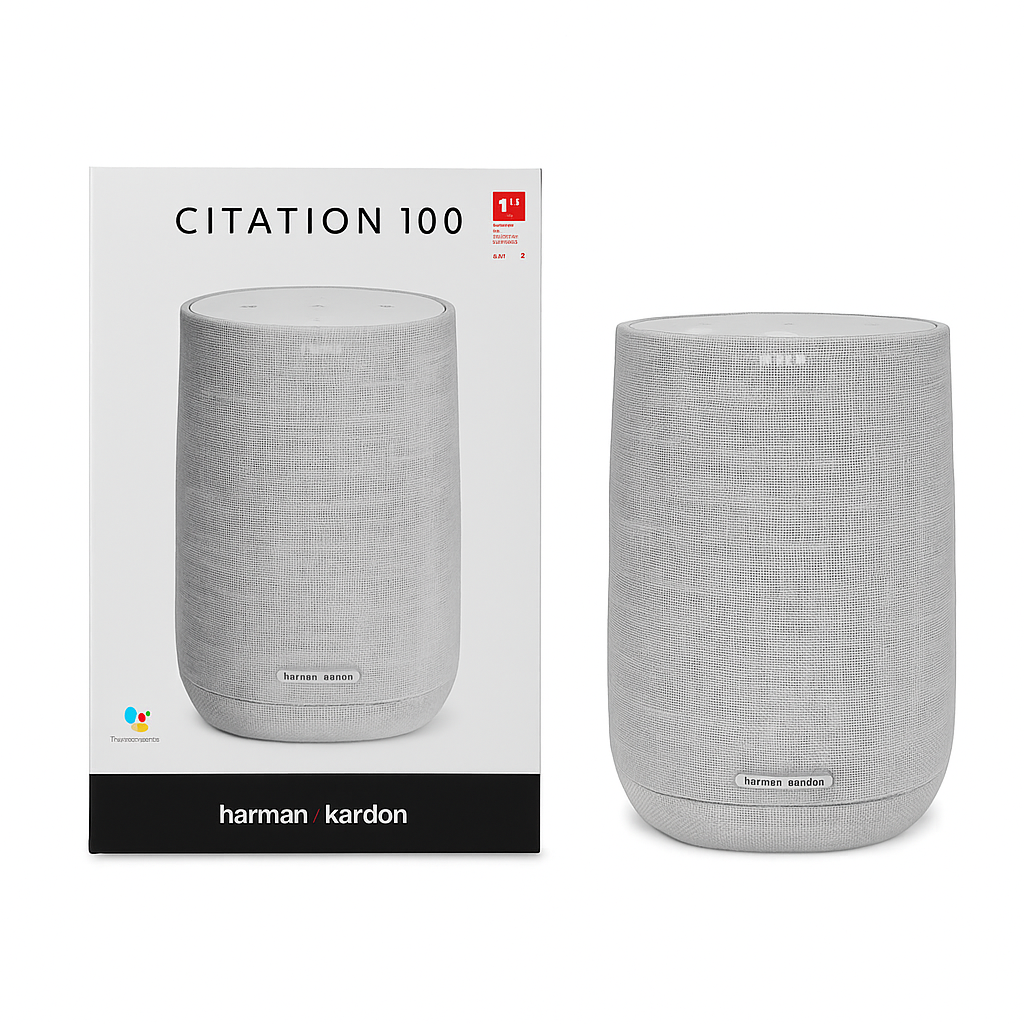
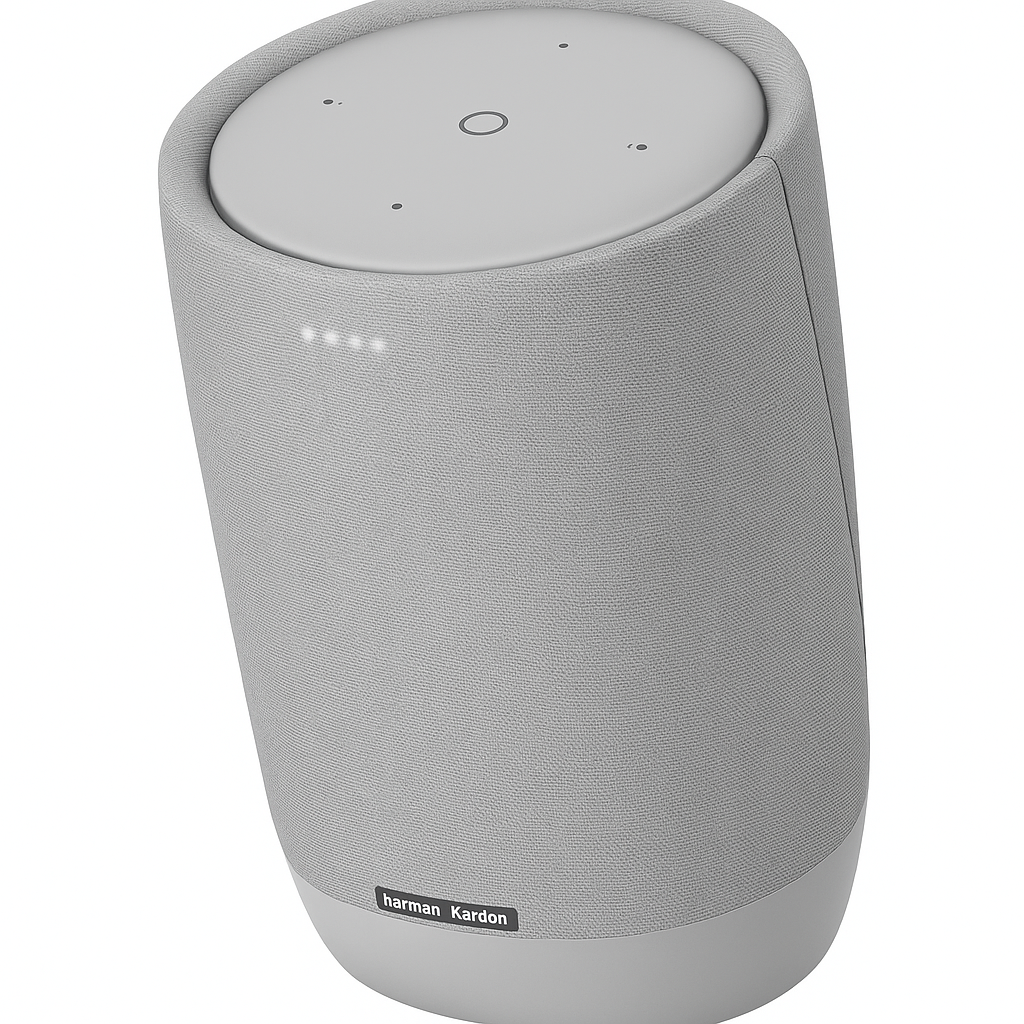
The Harman Kardon Citation 100 is a beautifully designed smart speaker that delivers premium sound performance in a compact form. It is one of the best compact premium smart speakers with Chromecast built-in. Wrapped in a custom wool fabric by Kvadrat and available in multiple colors, it’s as stylish as it is powerful.
Powered by Google Assistant, the Citation 100 lets you control your music, get real-time answers, manage your schedule, and operate compatible smart home devices using simple voice commands. Whether you’re streaming music or managing your smart lights, this speaker delivers both convenience and class.
With 360-degree room-filling sound, powerful bass, and wireless connectivity via Wi-Fi and Bluetooth, the Citation 100 is ideal for living rooms, bedrooms, or kitchens—and it can easily be grouped with other Citation speakers for multi-room audio.
Key Features of Compact Premium Smart Speakers with Chromecast Built-in
-
To start, enjoy premium audio quality powered by advanced acoustics and digital signal processing for rich, clear sound.
-
In addition, with Google Assistant built-in, you can control music, get weather updates, hear the news, and manage smart devices hands-free.
-
Moreover, the combination of Wi-Fi and Bluetooth streaming ensures flexibility, letting you stream from top platforms or directly from your device.
-
Meanwhile, far-field voice recognition makes it easy to give commands even when background noise is present.
-
Adding style, the elegant Scandinavian fabric finish with soft Kvadrat wool complements any home décor.
-
Furthermore, these speakers are multi-room capable, allowing you to sync with other Citation speakers for whole-home audio.
-
Finally, for privacy-conscious users, the microphone mute option provides complete voice control privacy.
Specifications of Compact Premium Smart Speakers with Chromecast Built-in
-
To begin with, the brand is Harman Kardon, and the model is the stylish Citation 100.
-
In terms of connectivity, it supports Wi-Fi 802.11 a/b/g/n/ac (2.4GHz/5GHz) along with Bluetooth 4.2, giving you both speed and flexibility.
-
Moreover, the audio hardware includes one 20mm tweeter and one 102mm woofer, engineered for balanced, high-quality sound.
-
When it comes to frequency response, the range spans 40Hz to 20kHz, ensuring crisp highs and deep lows.
-
Additionally, the built-in Google Assistant offers full voice assistant functionality.
-
As for design, the dimensions are 172 x 275 x 163 mm, with a weight of 2.74 kg (6.04 lbs), making it a compact yet powerful option.
-
Finally, it runs on a reliable AC power supply, ideal for continuous use.
Works With Compact Premium Smart Speakers with Chromecast Built-in
-
To begin with, the speaker features Google Assistant, allowing hands-free control of music and smart home devices.
-
In addition, the Google Home App provides seamless setup and management.
-
Moreover, with Chromecast built-in, you can stream directly from Spotify, YouTube Music, Pandora, Deezer, and more.
-
Meanwhile, it integrates with a wide range of Google Home-compatible devices such as lights, plugs, and thermostats for effortless automation.
-
Finally, it also works with Bluetooth-enabled devices including phones, tablets, and laptops for flexible connectivity.
Setup Instructions for Compact Premium Smart Speakers with Chromecast Built-in
-
First, plug in the Citation 100 to power it on.
-
Next, download the Google Home app to begin setup.
-
Then, add the speaker in the app and connect it to your Wi-Fi network.
-
After that, sign in with your Google account to enable personalized features.
-
In addition, set your default music services and adjust voice preferences.
-
Finally, start using voice commands to stream music or control your smart home devices effortlessly.
Maintenance Tips for Lasting Performance
-
To keep it clean, wipe the speaker with a soft cloth and avoid liquid cleaners.
-
Moreover, place the speaker in a well-ventilated area to prevent overheating.
-
In addition, always update firmware via the Google Home app for improved features and security.
-
Finally, use the mute button whenever privacy is a concern during voice activation.






%20–%20Best%20OLED%20TV%20for%20Gaming%20with%20Dolby%20Vision%20&%20HDMI%202.1&url=https://smarthomemaven.com/product/lg-c2-oled-4k-tv-2025-best-oled-tv-for-gaming-with-dolby-vision-hdmi-2-1/&media=https://smarthomemaven.com/wp-content/uploads/2020/12/LG-C2-OLED-TV-front-view-showcasing-vivid-colors-on-white-background-1024x683.png)

Reviews
There are no reviews yet.