
Description
Amazon Echo Show 10 (3rd Gen) – Smart Display with Motion Tracking & Alexa Built-In | Echo Show 10 (3rd Gen) Rotating Screen Review – Smart Home Maven
Description
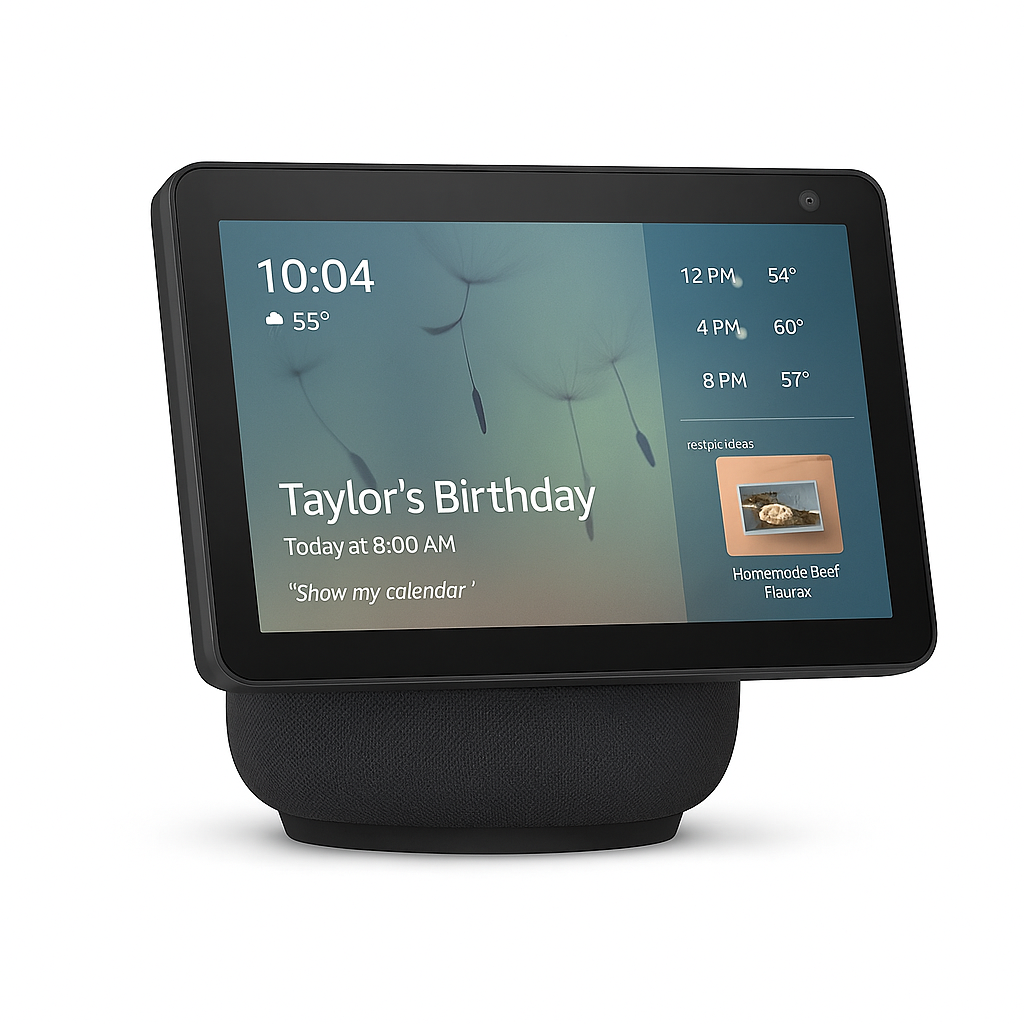
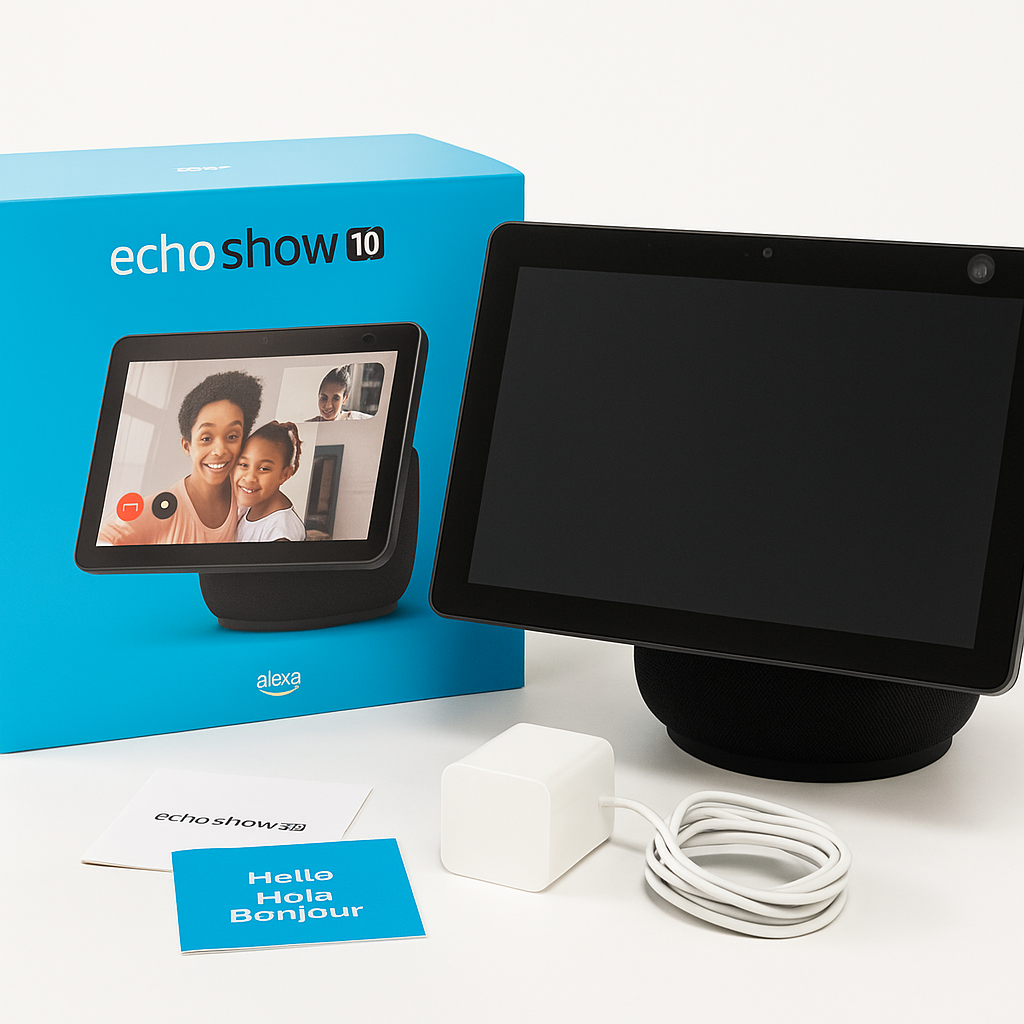
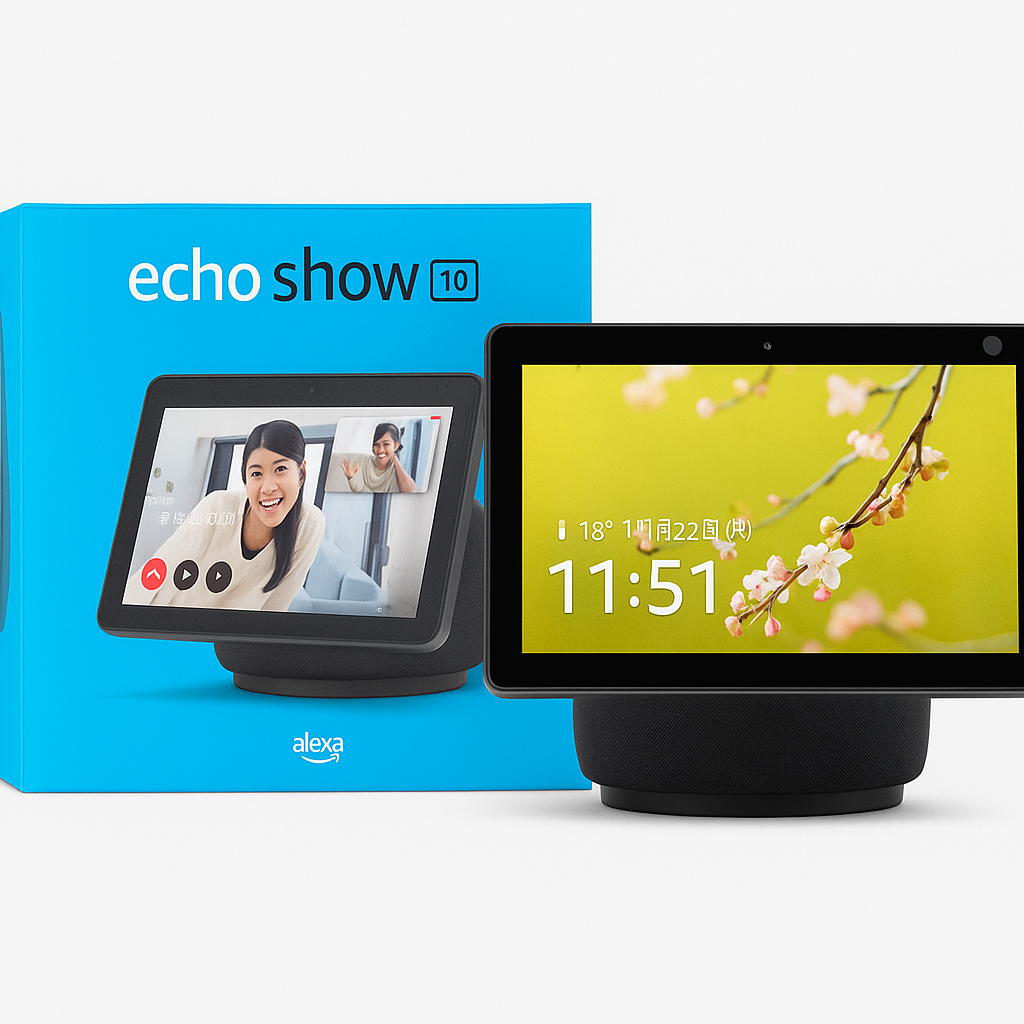
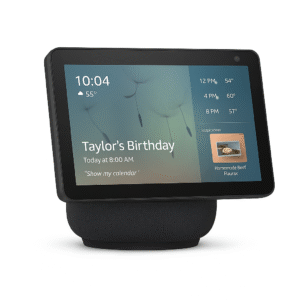
The Amazon Echo Show 10 (3rd Gen) redefines what a smart display can do. Built with a rotating 10.1-inch HD display that automatically pivots to follow your movements, this next-gen device makes video calls, cooking, streaming, and security monitoring seamless. It is also hands-free. Read on for our Echo Show 10 (3rd Gen) rotating screen review.
Equipped with Alexa and an advanced speaker system. This setup delivers premium directional sound. The Echo Show 10 does more than respond—it anticipates your needs. Watch Netflix while prepping dinner, get calendar updates, and control compatible smart devices. Moreover, see who’s at the front door—all from across the room.
It also functions as a home security camera, offering remote monitoring through the Alexa app. With robust privacy features, including a mic/camera off button and a built-in shutter, your data stays protected. Convenience takes center stage.
Key Features
-
To begin with, the 10.1” HD motion-tracking display rotates automatically to keep the screen in view, a standout highlight in any Echo Show 10 (3rd Gen) rotating screen review.
-
In addition, powerful audio from dual front-firing tweeters and a woofer delivers rich, dynamic sound.
-
Moreover, it doubles as a smart home control center, letting you manage compatible devices by voice or touch through Alexa.
-
For added functionality, the built-in smart camera can also serve as a home security camera with remote access.
-
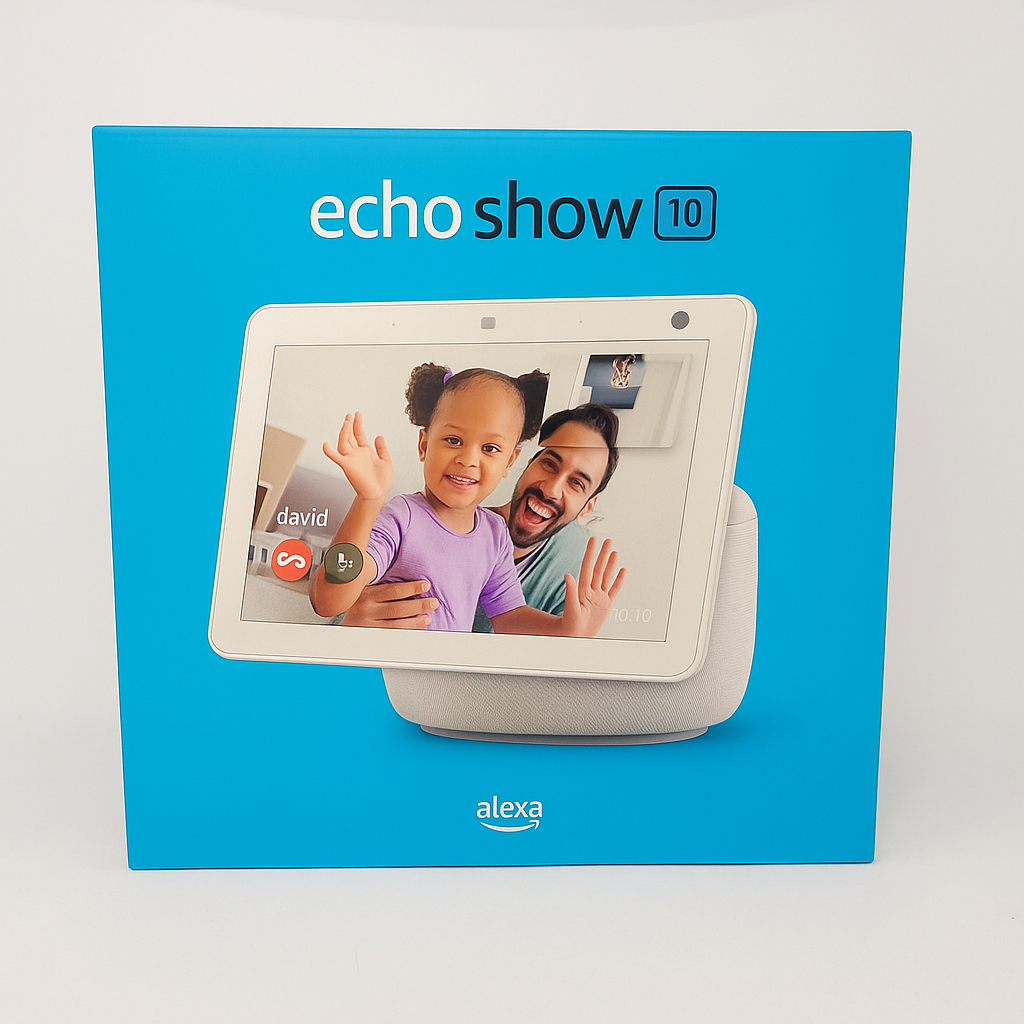
On top of that, video calling and Drop In make it easy to connect hands-free with family and friends.
-
Finally, with a privacy-first design that includes a manual shutter and mic/camera off switch, you stay in control of your personal space.
Specifications
-
Display: The 10.1” HD touchscreen (1280 x 800) offers crisp visuals and smooth navigation, frequently highlighted in an Echo Show 10 (3rd Gen) rotating screen review.
-
Audio: Equipped with two 1” tweeters and one 3” woofer, it delivers powerful, room-filling sound.
-
Camera: Features a 13MP camera with auto-framing and remote monitoring, making video calls sharp and secure.
-
Processor: Powered by the MediaTek 8183 and Amazon AZ1 Neural Edge, ensuring faster responses and AI-driven performance.
-
Connectivity: Supports dual-band Wi-Fi (2.4 & 5GHz) along with Bluetooth, offering flexible connection options.
-
Dimensions: Measures 9.9” x 9.0” x 6.7”, compact enough to fit comfortably on most surfaces.
-
Weight: At 5.6 lbs, it provides a stable base to support its rotating display.
“Works With” Compatibility
-
First and foremost, it connects seamlessly with Alexa-enabled devices, ensuring hands-free voice control across your smart home.
-
In addition, it pairs naturally with Ring doorbells and cameras, letting you see and talk to visitors right on the rotating display.
-
Moreover, it supports smart thermostats like Ecobee and Honeywell, giving you simple voice-enabled climate control.
-
For greater flexibility, it works with smart plugs and lights from brands such as Philips Hue, TP-Link, and Kasa, making automation effortless.
-
Finally, entertainment lovers will appreciate compatibility with Netflix, Hulu, Amazon Prime Video, and Spotify, a highlight often praised in any Echo Show 10 (3rd Gen) rotating screen review.
Setup + Maintenance Guide
Setup Instructions:
-
First, plug in the Echo Show 10 and follow the on-screen instructions for a quick start.
-
Next, connect the device to your Wi-Fi network and log in using your Amazon account.
-
Then, open the Alexa app to link your smart home devices and services seamlessly.
-
Finally, adjust motion tracking and privacy settings according to your preferences, a highlight often mentioned in any Echo Show 10 (3rd Gen) rotating screen review.
Maintenance Tips:
-
To begin with, use a microfiber cloth to gently wipe the screen and base to keep them clean.
-
In addition, ensure the software is updated regularly via Wi-Fi, which typically happens automatically.
-
Moreover, manage device groups, security features, and Alexa skills directly through the app for smooth performance.
-
Lastly, clean the speaker grill with compressed air to maintain optimal sound quality.



%20–%20Echo%20Show%2010%20(3rd%20Gen)%20Rotating%20Screen%20Review&url=https://smarthomemaven.com/product/amazon-echo-show-10-3rd-gen-echo-show-10-3rd-gen-rotating-screen-review/&media=https://smarthomemaven.com/wp-content/uploads/2025/05/Amazon-Echo-Show-10-3rd-Gen.png)


%20–%20Best%20Smart%20Displays%20for%20Video%20Calls%20and%20Alexa&url=https://smarthomemaven.com/product/amazon-echo-show-8-2nd-gen-best-smart-displays-for-video-calls-and-alexa/&media=https://smarthomemaven.com/wp-content/uploads/2025/05/Amazon-Echo-Show-8-2nd-Gen-2.png)
Reviews
There are no reviews yet.