

Description
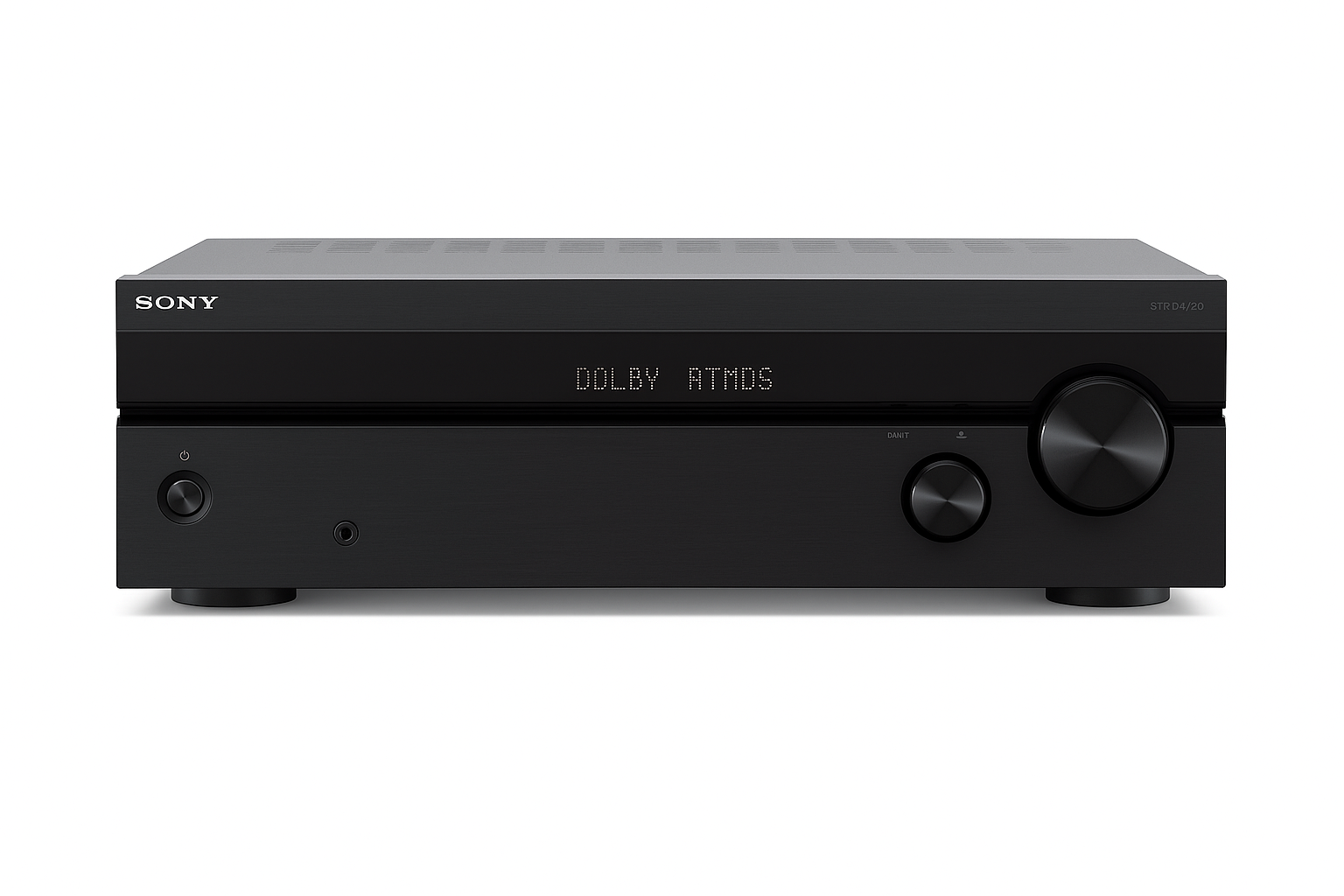
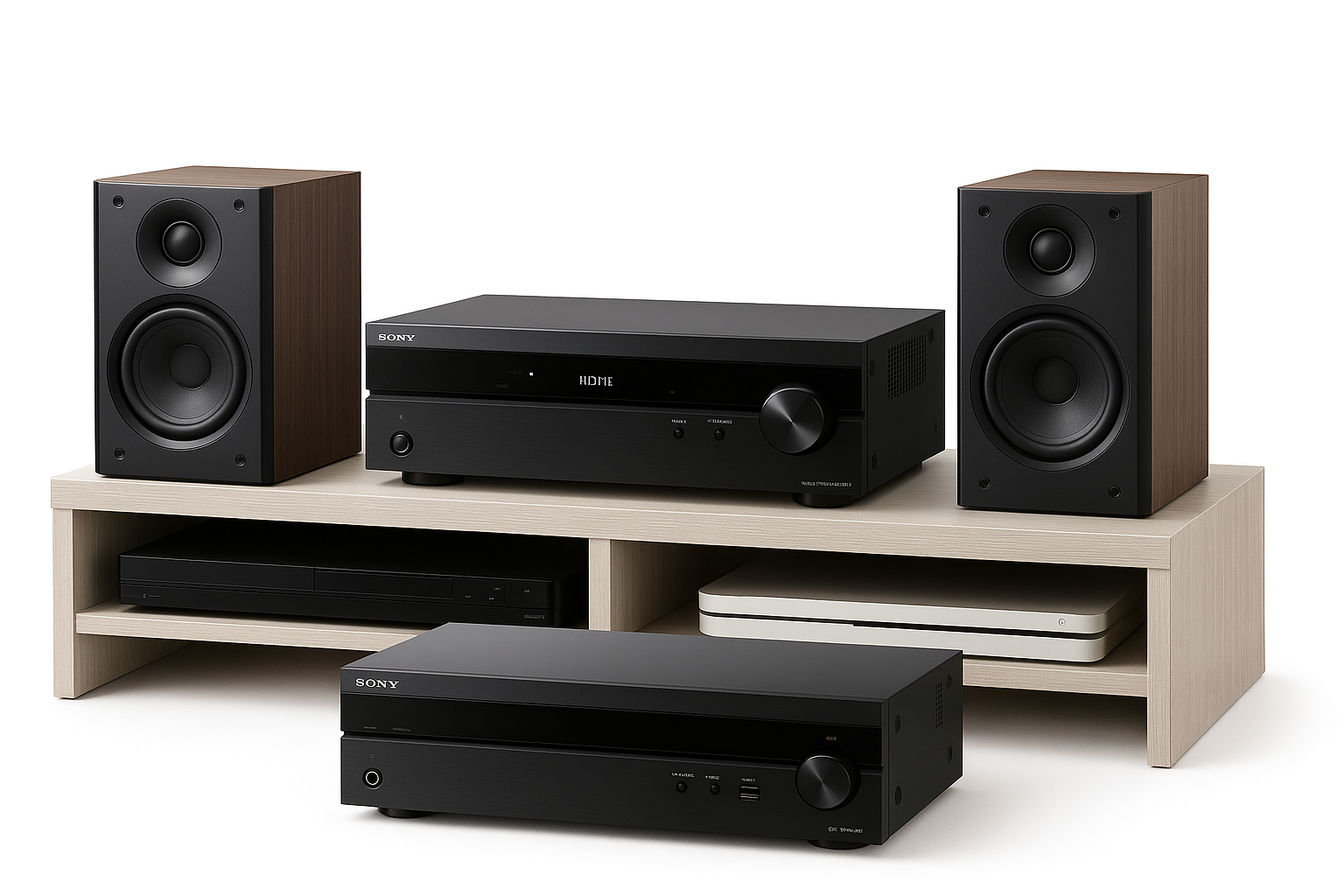
Sony STR-DH790 7.2-Channel 4K AV Receiver – Best 7.2 AV Receiver Under $500 with Dolby Atmos, DTS:X & 4K HDR Pass-Through – Smart Home Maven
Description
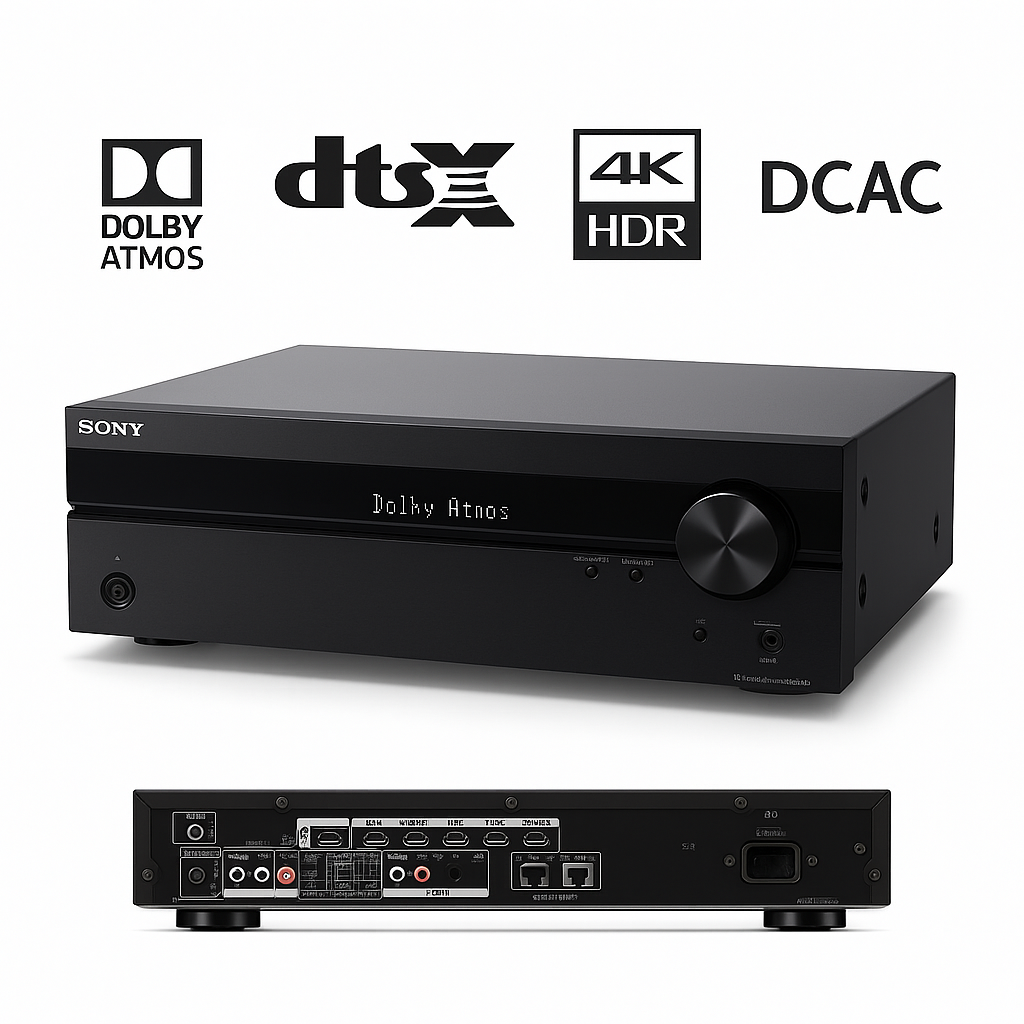
The Sony STR-DH790 delivers powerful, immersive surround sound in an affordable package, making it the best 7.2 AV receiver under $500 for budget-conscious home theater fans. With 145 watts per channel across seven channels, it supports both 5.2 and 7.2 speaker configurations, creating cinematic experiences with Dolby Atmos and DTS:X.
Moreover, its HDMI 2.0 connectivity ensures full compatibility with modern video sources, supporting 4K/60Hz, HDR10, HLG, and Dolby Vision pass-through for stunning visuals. Setup is simple with Digital Cinema Auto Calibration (DCAC), while 40 FM/AM station presets and an intuitive interface keep operation user-friendly.
Finally, advanced features like bi-amp front speaker support, dual subwoofer outputs, and bass management provide flexibility and robust audio performance, making the STR-DH790 ideal for movies, music, and gaming—without unnecessary complexity or cost.
Key Features – Best 7.2 AV Receiver Under $500
-
Powerful 7.2-channel audio with 145 W per channel, ensuring rich, dynamic sound for movies and music.
-
Immersive surround formats including Dolby Atmos and DTS:X for true 3D audio experiences.
-
Seamless 4K HDR pass-through with support for HDR10, HLG, and Dolby Vision via HDMI 2.0.
-
Accurate room tuning using Digital Cinema Auto Calibration (DCAC) for optimized acoustics.
-
Enhanced bass performance with dual subwoofer outputs and bi-amp front speaker capability.
-
Convenient presets with 40 FM/AM stations and 20 internet radio options (via connected device).
-
Flexible audio options including bass management and multiple DSP modes tailored to your content.
-
Easy playback through the front-panel USB input for MP3 and digital files.
Specifications – Best 7.2 AV Receiver Under $500
-
Channels: 7.2 configuration with support for up to two subwoofers, delivering flexible bass management.
-
Power Output: 145 W × 7 (6 Ω, 1 kHz, 1 ch driven) for powerful, room-filling sound.
-
HDMI Connectivity: 4 HDMI inputs and 1 HDMI output (HDMI 2.0), supporting 4K/60Hz, HDR10, Dolby Vision, and HLG.
-
Audio Formats: Full compatibility with Dolby Atmos, DTS:X, Dolby TrueHD, and DTS-HD for immersive 3D audio.
-
Calibration: Sony Digital Cinema Auto Calibration (DCAC) ensures optimal speaker alignment and room acoustics.
-
Tuner: Built-in FM/AM tuner with 40 station presets for easy radio access.
-
Subwoofer Outputs: Dual subwoofer support for enhanced low-frequency depth.
-
USB Playback: Front-panel USB port for convenient MP3 and digital audio playback.
-
DSP Modes: Multiple surround and stereo DSP settings tailored for movies, music, and gaming.
“Works With” Compatibility – Best 7.2 AV Receiver Under $500
-
For video playback, it connects seamlessly with Blu-ray/UHD players, streaming media devices, and 4K HDR TVs.
-
In addition, it supports Dolby Atmos speaker configurations for immersive surround sound.
-
Moreover, it pairs with TVs and consoles featuring Dolby Vision and HDR capability, ensuring top-tier visuals.
-
For music lovers, it allows front USB playback of MP3 files for quick access.
-
Additionally, it includes FM/AM radio support, easily managed through recalibration with the remote.
-
Finally, the receiver offers DSP modes tailored for music genres and movie atmospheres, enhancing every listening session.
Setup + Maintenance Guide – Best 7.2 AV Receiver Under $500
Setup Steps
-
First, wire all speakers, subwoofers, and HDMI sources such as a Blu-ray player or game console.
-
Next, run Digital Cinema Auto Calibration (DCAC) to accurately match your receiver’s sound to your room acoustics.
-
Then, connect your display and enable Dolby Vision/HDR passthrough for optimal video quality.
-
After that, select either surround or bi-amp mode, depending on your preferred setup.
-
Finally, test audio tuning using a test tone or sample content to confirm balanced performance.
Maintenance Tips
-
Regularly, keep firmware updated via USB service updates to ensure smooth functionality.
-
Additionally, clean the unit with a soft microfiber cloth, avoiding moisture near controls.
-
If your room setup changes, re-run DCAC calibration for the best sound profile.
-
Lastly, turn off the receiver or use standby mode when inactive to save energy and extend lifespan.






%20–%20Best%20Compact%20Smart%20Soundbar%20with%20Dolby%20Atmos%20and%20Voice%20Control&url=https://smarthomemaven.com/product/sonos-beam-gen-2-best-compact-smart-soundbar-with-dolby-atmos-and-voice-control/&media=https://smarthomemaven.com/wp-content/uploads/2025/05/Sonos-Beam-Gen-2-Soundbar-with-Voice-Control-1.png)


Reviews
There are no reviews yet.